Last Updated: November 4, 2026
Quick Summary
The best platform for real-time photo projection at corporate events in Germany is one that combines browser-based QR upload with no app install, EU-based servers, built-in consent capture, and moderation before display. Verify latency with a live stopwatch demo, and confirm your venue’s upload bandwidth before the event.
- Real-time photo projection rests on four layers: capture and upload, processing and moderation, display, and network and power.
- Browser-based QR upload keeps the guest interaction under thirty seconds with no app install or account.
- Under § 22 KUG, consent at upload must cover public screen display, storage period, and later use.
- Sharing the venue’s guest Wi-Fi with the photo wall is the most common cause of a lagging live stream.
- Show each approved photo for six to eight seconds, then move on to the next.
Table of Contents
- What Real-Time Photo Projection Actually Requires
- Comparison Table: Real-Time Event Photo Sharing Platforms
- QR Code Photo Upload for Events: Why It Decides the Platform
- Building a Live Photo Wall for Corporate Events
- Moderated Live Photo Projection: Brand Safety and Content Moderation
- GDPR, Image Rights and Data Privacy in Germany
- Hardware and Network Infrastructure Most Guides Ignore
- Post-Event Analytics and ROI: What to Measure
- How to Choose Your Real-Time Photo Projection Platform
- Frequently Asked Questions
What Real-Time Photo Projection Actually Requires
Real-time photo projection is the practice of displaying guest photos on a screen within seconds of capture, and most event teams underestimate what a working setup demands. This guide breaks down the platform question: hardware, network, moderation, and legal compliance all have to line up before a single photo appears on screen.
Here is the part most guides get wrong: they compare software features and skip the infrastructure. A platform can promise instant uploads, but if your venue’s upload bandwidth is thin or your projector is underpowered, guests will see a slideshow that lags minutes behind the room. The software is one layer of four.
The Four Layers of a Working Setup
Every reliable real-time photo projection setup rests on four layers that must all function:
- Capture and upload: guests scan a QR code, open a browser page, and upload without installing an app
- Processing and moderation: the platform receives, filters, and approves images before display
- Display: a projector or digital signage screen renders the live photo stream
- Network and power: venue connectivity and cabling carry the data between the three layers above
When a live photo wall fails at an event, the cause is usually the fourth layer, not the platform. Keep that in mind as we compare options, because no vendor can fix a weak venue network for you.
Comparison Table: Real-Time Event Photo Sharing Platforms
Most platform comparisons collapse into a feature checklist that tells you nothing about whether the setup will actually work in a lit reception room with two hundred guests uploading at once. The table below instead compares platforms on the criteria that decide whether real-time projection succeeds or fails on the night, and it deliberately leaves out vendor names and prices, because those change faster than any article can track and because the decision rarely turns on them.
| Criterion | What to verify | Why it decides the outcome |
|---|---|---|
| Upload method | Browser-based QR upload with no app install | Every extra step between photo and upload loses guests; app installs are the biggest drop-off |
| Display latency | Demonstrated time from upload to on-screen appearance | A slideshow refreshed every few minutes looks different on a large screen than a stream that updates within seconds |
| Moderation | Manual approval option plus automated pre-filters | Unmoderated uploads on a corporate screen are the fastest route to an incident |
| Branding | White-label wall without vendor logo | The wall should look like part of your production, not a third-party tool |
| Data location | EU-based servers and a written retention policy | Keeps processing inside the GDPR framework and simplifies your documentation |
| Consent capture | Built-in consent step at upload | Display on a public screen, storage duration and later use all need to be covered |
| Hardware fit | Output resolution and aspect ratio matched to your display | A platform that outputs 16:9 only will letterbox on a 4:3 or LED-wall format |
| Support | Reachable during the event, not just by email | The failure window is the event itself, not the planning phase |
Two honest caveats. Readers comparing tools can also review top alternatives to Guestpix for secure event photo sharing. First, latency claims are marketing until demonstrated: ask each vendor for a live screen-share test with a stopwatch, not a brochure figure. Second, „live display“ is not the same as real-time projection, a gallery that refreshes on a timer is a different product from a stream that pushes each approved photo within seconds, and the difference is obvious to a room full of guests.
QR Code Photo Upload for Events: Why It Decides the Platform
QR code photo upload for events is the single feature that determines whether guests actually contribute, because it removes the biggest friction point: app installation. A guest points a phone camera at a printed code, a browser page opens, and they upload in two taps. No download, no account creation, no password.
Why does this decide the platform? Because every step you add between taking a photo and sharing it loses people. A guest who has to find an app store, download a file, and register an account will often give up, especially at a reception where they are holding a drink and talking to colleagues. A browser-based upload keeps the whole interaction under thirty seconds.
A common mistake is printing one QR code at the entrance and calling it done. Put codes on every table, near the bar, and on the screen itself between photo cycles. The more visible the code, the higher your upload volume, and upload volume is what makes a live photo wall worth having.
Building a Live Photo Wall for Corporate Events
A live photo wall for corporate events works best when it is treated as part of the room’s design, not an afterthought bolted to a projector at the last minute. The screen should sit where people naturally look: near the stage, beside the reception desk, or above the bar. Guests need to see their own photo appear to understand the loop.
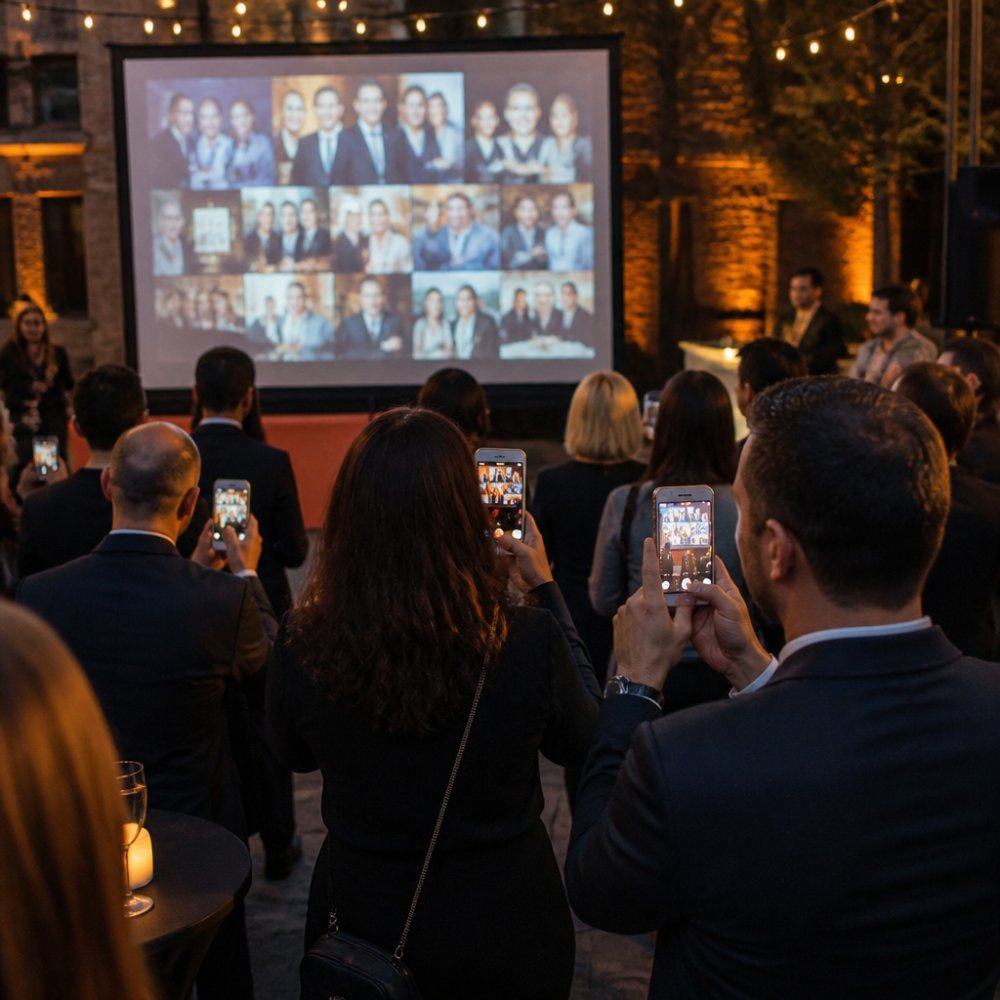
Run the wall in cycles. For practical display options and formats, see best ways to display guest photos at corporate events. Show each approved photo for six to eight seconds, then move on. A continuous stream with no pause feels chaotic; a slow slideshow feels dead. The middle ground keeps people watching to see what appears next.
Projecting unmoderated uploads on a large screen in a room full of colleagues is a risk worth avoiding, which is why moderation matters.
Moderated Live Photo Projection: Brand Safety and Content Moderation
Moderated live photo projection means every image passes a review step before it reaches the screen, and for corporate events this is not optional. An open, unmoderated stream invites the one photo nobody wants on a company screen: an inappropriate image, a competitor’s branding, or something a guest thought was funny.
Real-time moderation works on two levels. Automated filters catch obvious problems before a human ever sees them, and a moderator approves or rejects the rest from a dashboard. The best platforms let you set the approval mode in advance: auto-approve with filters, or manual approval for stricter control.
Brand safety also covers the display itself. Your live photo wall should carry your logo and event branding, not the platform’s. White-label options let the wall look like part of your production. For a deeper guide, see secure photo sharing for private events.
GDPR, Image Rights and Data Privacy in Germany
Data privacy here means two overlapping regimes, not one: the GDPR governs how personal data is processed, stored and deleted, while the right to one’s own image under § 22 KunstUrhebergesetz (KUG) governs whether a person’s picture may be displayed or published at all. A platform can be perfectly GDPR-compliant and still leave you exposed under image-rights law if consent does not cover display on a public screen.
The KUG point is the one most guides skip. Under § 22 KUG, an image may generally only be distributed or publicly displayed with the consent of the person depicted; § 23 KUG carves out narrow exceptions (figures in a public gathering, for instance) that do not reliably cover a corporate reception where individuals are identifiable. In practice, that means the consent you capture at upload must be specific enough to cover: display on a live wall visible to the room, storage for a stated period, and any later use such as a post-event gallery or social media. A generic „I agree to photos“ line in the invitation does not meet that bar. If you are weighing the effort and cost, read is GDPR compliance worth the extra cost for events.
Three practical questions decide whether a platform is safe to use:
- Where are the servers? EU-based processing keeps you inside the GDPR framework and simplifies your records of processing activities under Art. 30 GDPR.
- What is the retention and deletion policy? You need a stated retention period and a working deletion mechanism after the event, because storage without a defined purpose breaches the storage-limitation principle in Art. 5(1)(e) GDPR.
- How is consent captured and logged? The platform should record who consented, when, and to what scope, so you can demonstrate a lawful basis under Art. 6 and, for image rights, under § 22 KUG.
Watch out: a platform that stores uploads indefinitely „for your convenience“ turns a one-night event into an open-ended data-processing liability, and the deletion request has to be executable, not just promised. The GDPR text itself is worth reading on retention and consent before you sign any vendor contract, and the KUG provisions on image rights are short enough to read in full.
Hardware and Network Infrastructure Most Guides Ignore
Hardware and network infrastructure is where real-time photo projection succeeds or fails, and almost no platform comparison covers it. You need three things working together: a display bright enough for the room, a device driving it, and an upload connection that can absorb a burst of simultaneous guests.
On the display side, a projector needs enough brightness to stay visible in a lit reception room, and a screen with a matte surface beats a glossy one under event lighting. A large-format display or digital signage screen often outperforms a projector in bright venues.
On the network side, the upload path is what matters, not the download speed your venue advertises. When two hundred guests upload at once during a speech, the connection has to carry that burst. A dedicated connection or a mobile router reserved for the photo wall removes the risk. Watch out: sharing the venue’s guest Wi-Fi with the photo wall is the most common cause of a lagging live stream.
Post-Event Analytics and ROI: What to Measure
Post-event analytics turn a photo wall from a nice extra into something you can defend in a budget review. The numbers worth tracking are simple: how many guests uploaded, how many photos each guest contributed, and how many views the gallery received after the event.
Upload rate is your engagement signal. Compare it against guest count to see what share of the room participated. Photo count per guest tells you whether the QR code placement worked. Post-event gallery views show whether people came back to the photos afterward, which is where the long tail of value sits.
ROI is harder to quantify than attendance, but the inputs are measurable. A live photo wall that drives social sharing extends your event’s reach beyond the room, and a searchable gallery gives attendees a reason to return to your brand afterward. Set the baseline at your next event, then compare.
How to Choose Your Real-Time Photo Projection Platform
Choosing a platform comes down to matching four requirements to your event, in this order: moderation, privacy, display, and price. A clear summary of the benefits of event photo platforms helps at this stage. Get the first two right and the rest is tuning.
Use this checklist before you commit:
- Does the platform moderate uploads before display, with a manual approval option?
- Are servers EU-based, and is the retention policy stated in writing?
- Does upload work by QR code with no app download?
- Can the live wall carry your branding without the vendor’s logo?
- Will the vendor demonstrate latency, not just claim real-time?
- Is pricing per event or per photo, and are there setup fees?
- Is support reachable during the event itself, not just by email?
Frequently Asked Questions
What is the best platform for sharing event photos in real time?
There is no single winner, because the right platform depends on your moderation needs, branding and privacy requirements. Compare each on QR upload, moderation controls, custom branding and where the data is stored before you commit.
Can attendees upload photos to a live event screen without downloading an app?
Browser-based QR upload is one approach event organisers use, so guests can scan a code and upload without installing an app. This matters because app downloads are the most common failure point at corporate events: guests forget, or the venue Wi-Fi makes the download slow. A browser-based upload removes that friction entirely. Test the QR flow on both iOS and Android before the event, and print the code large enough to scan from a few metres away.
How can event organisers moderate photos before they appear on screen?
Look for a platform with a moderation queue rather than automatic publishing. Photos land in a review view where a nominated person approves or rejects each one before it reaches the projection. Assign at least one moderator per 100 guests and brief them on your brand-safety rules.
How do you protect attendee privacy when sharing event photos?
Start with the legal basis. Consent rules under the GDPR depend on the circumstances, so check the requirements with a qualified adviser before displaying recognisable guests‘ photos. Choose a platform that stores data on EU-based servers and states clearly how long images are retained. Ask the provider whether uploads are used for anything beyond your event. For a corporate setting, also check whether your works council needs to be involved before staff photos are collected.
What hardware do you need to run a live photo wall at a venue?
You need a display or projector with the correct input for your laptop, a machine running the platform’s display view, and a stable network connection. Wired Ethernet beats venue Wi-Fi for the display machine. Check the projector’s brightness against the room’s lighting: a dim reception needs far less output than a daylight-filled hall. Confirm the aspect ratio matches your content and arrive early enough to test the full upload-to-screen path on site.
The gap between a photo wall that works and one that stalls is rarely the software alone. It is the moderation you set up in advance, the network you reserved, and the privacy basis you documented. Kameratalk gives you moderated live projection, QR upload without an app download, and a free plan to run a test event before the real one. Get started with Kameratalk and see your first live photo wall running before your next corporate event.