Last Updated: November 1, 2026
Quick Summary
The top alternatives to Guestpix for secure event photo sharing include Kameratalk for browser-based private galleries, Kululu for live photo walls, WedUploader for Google Drive backup, GuestCam for face search and audio guestbooks, and Google Photos for small gatherings. Prioritize browser access, private-by-default galleries, and per-item moderation.
- Kameratalk lets guests upload through a browser link with no app install required.
- Kululu is built around a live photo wall rather than a long-term private archive.
- WedUploader backs guest uploads directly to your own Google Drive storage.
- Test any QR code on a phone that is not signed in as the host.
- For 30 to 100 guests, prioritize browser access, private-by-default galleries, and per-item moderation.
Table of Contents
- Why Hosts Are Looking Beyond Guestpix for Event Photo Sharing
- Quick Comparison: Secure Event Photo Sharing Alternatives at a Glance
- Kameratalk: A Private Event Photo Sharing App Built Around Guest Convenience
- Kululu: The Live Photo Wall Option for Parties
- WedUploader: Google Drive Backup for Guest Photos
- GuestCam: Face Search and an Audio Guestbook
- Google Photos: A Shared Album for Smaller Gatherings
- What a Wedding Photo Sharing App With QR Code Should Get Right
- Event Photo Sharing Without App Download: Why Browser Access Matters
- How to Collect Photos From Wedding Guests Without Chasing Them
- Privacy, Access Controls and Data Handling Compared
- Start Collecting Guest Photos With Kameratalk for Free
- Frequently Asked Questions
Why Hosts Are Looking Beyond Guestpix for Event Photo Sharing
Guestpix solved a real problem: getting phones out of pockets and photos into one place. But hosts keep running into the same three friction points, and they’re the reason searches for alternatives keep climbing. Guests get asked to install an app. Uploads land in a queue nobody moderates. And the privacy story is vague enough that couples planning a private celebration start asking harder questions. For a broader look at secure photo sharing for private events, our guide covers what to check.
At Kameratalk, we’ve watched this pattern play out across wedding forums and planning groups. The complaint isn’t usually about the core idea of event photo sharing. It’s about everything around it: the setup process, what guests are asked to do, and what happens to the files afterward.
Here’s what most comparison guides get wrong: they rank platforms by feature count and ignore the guest experience entirely. A tool with twenty features that half your guests abandon at the download screen is worse than a plain upload link. Below, we break down the strongest alternatives, what each one actually does well, and which fits your event.
Quick Comparison: Secure Event Photo Sharing Alternatives at a Glance
The table below summarizes the five options we cover, by setup model and best-fit use case.
| Platform | Access Model | Standout Feature | Best For |
|---|---|---|---|
| Kameratalk | Browser, no download | Private gallery with access controls | Hosts who want guest convenience plus privacy |
| Kululu | App and web | Live photo wall | Parties with a visible screen |
| WedUploader | Browser upload | Google Drive backup | Hosts already living in Google’s ecosystem |
| GuestCam | App | Face search, audio guestbook | Large weddings wanting extra keepsakes |
| Google Photos | App and web | Shared album | Small gatherings, familiar tools |
One thing the table can’t show: how each platform feels to a guest who has never heard of it. That’s the variable that decides whether you end up with forty photos or four hundred. If you want a fuller roundup before deciding, our guide to the best apps for wedding photo collection walks through more options in detail.
Kameratalk: A Private Event Photo Sharing App Built Around Guest Convenience
Kameratalk is a private event photo sharing app that lets guests contribute through a browser link, with no app install required.
Best for: Hosts who want a browser-based upload link without asking guests to install anything.
Skip if: You specifically need a live photo wall projected at the venue. That’s a different tool category, and Kululu covers it below.
Pricing depends on your event and requirements, so check the site for current details rather than trusting a number in a comparison article.
Kululu: The Live Photo Wall Option for Parties
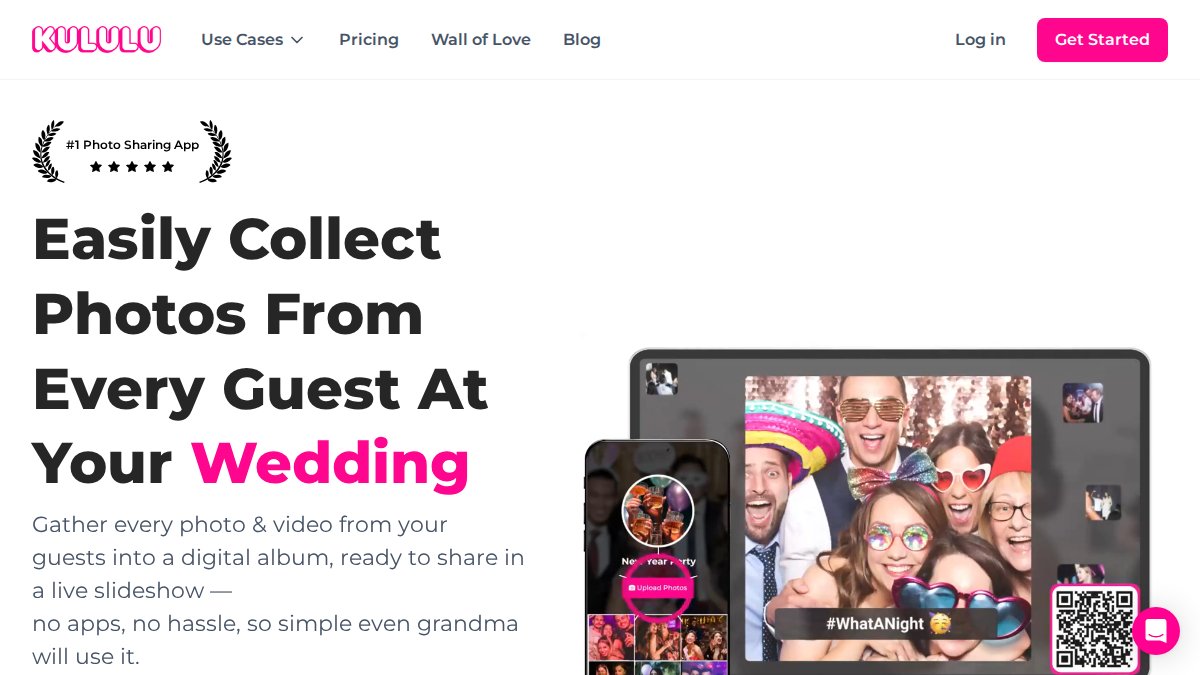
Kululu’s pitch is narrower and that’s fine: it puts guest photos on a live photo wall at the event. If you’re planning a reception with a screen and want photos appearing in real time as the night goes on, this is the use case it’s built around.
The trade-off is that a photo wall is a performance feature, not an archive feature. It’s great for guest engagement during the party. It’s less obviously the right tool for building a permanent, well-organized collection you’ll want to revisit.
Best for: Parties and receptions where a visible, real-time photo feed is part of the entertainment.
Skip if: Your priority is a private, long-term gallery rather than a live display.
WedUploader: Google Drive Backup for Guest Photos
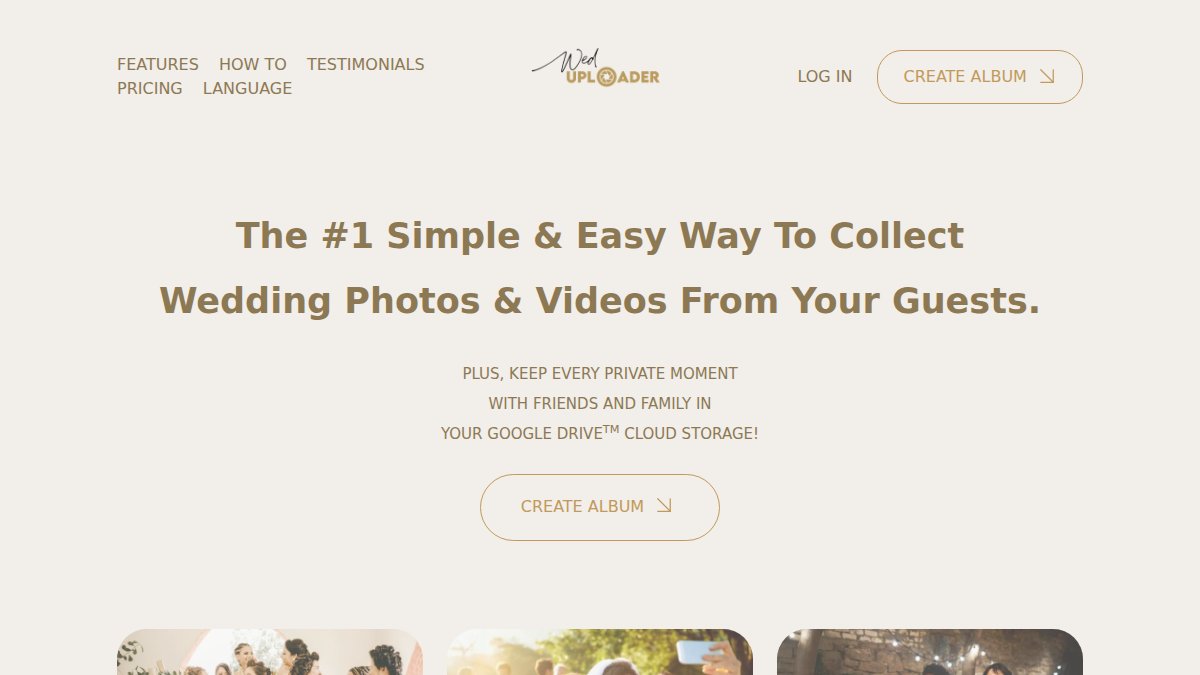
WedUploader takes a different route: guest uploads back up directly to your own Google Drive. For hosts who already organize everything in Google’s ecosystem, that’s a genuinely appealing property. Your photos end up in storage you already understand and control.
The catch is that „backed up to Google Drive“ and „secure event photo sharing“ aren’t the same claim. Drive access permissions are yours to manage, and the privacy settings live in Google’s account structure rather than in a purpose-built event tool. That’s workable if you’re comfortable with it. It’s a weaker fit if you want granular guest permissions and gallery moderation handled inside the event platform itself.
Best for: Hosts who want event photos sitting in their own Google Drive.
Skip if: You want event-specific access controls and moderation built in.
GuestCam: Face Search and an Audio Guestbook
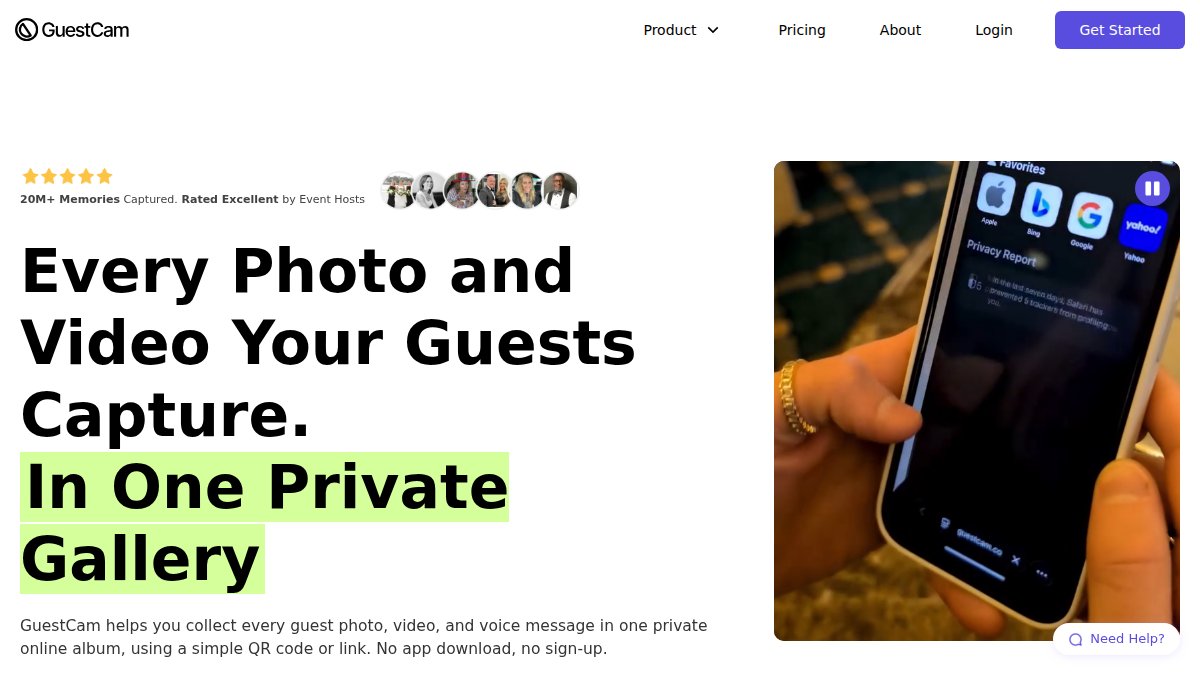
GuestCam bundles several event-specific extras: MagicFind face search, an audio guestbook, and a claimed longer upload window with no guest caps. Face search is the interesting one. On a large wedding, finding every photo of the couple’s grandmother is otherwise a manual scroll through hundreds of images.
Treat the comparison-page claims as claims. The supplied results don’t independently verify the upload window or the no-caps position, and pricing isn’t stated. Ask before you rely on it.
Best for: Larger weddings where face search and an audio guestbook add real value.
Skip if: You want verified, documented privacy controls before committing.
Google Photos: A Shared Album for Smaller Gatherings
Google Photos works as a shared album, and for a small gathering it’s hard to beat on familiarity. Most guests already have it, which removes the learning curve entirely.
Where it strains is scale and control. A shared album is a blunt instrument: everyone with access can typically add and view, moderation is limited, and the album lives inside a consumer account rather than an event-specific structure. For twenty people at a birthday dinner, fine. For a two-hundred-guest wedding with privacy requirements, you’ll want something built for that job. The supplied results don’t verify its event-specific features or privacy controls either.
Best for: Small gatherings where everyone already uses Google Photos.
Skip if: You need granular guest permissions and moderation.
What a Wedding Photo Sharing App With QR Code Should Get Right
A wedding photo sharing app with QR code access succeeds when the scan leads somewhere that works instantly. The QR code is only the door. What matters is what is behind it, and whether that door can be closed again.
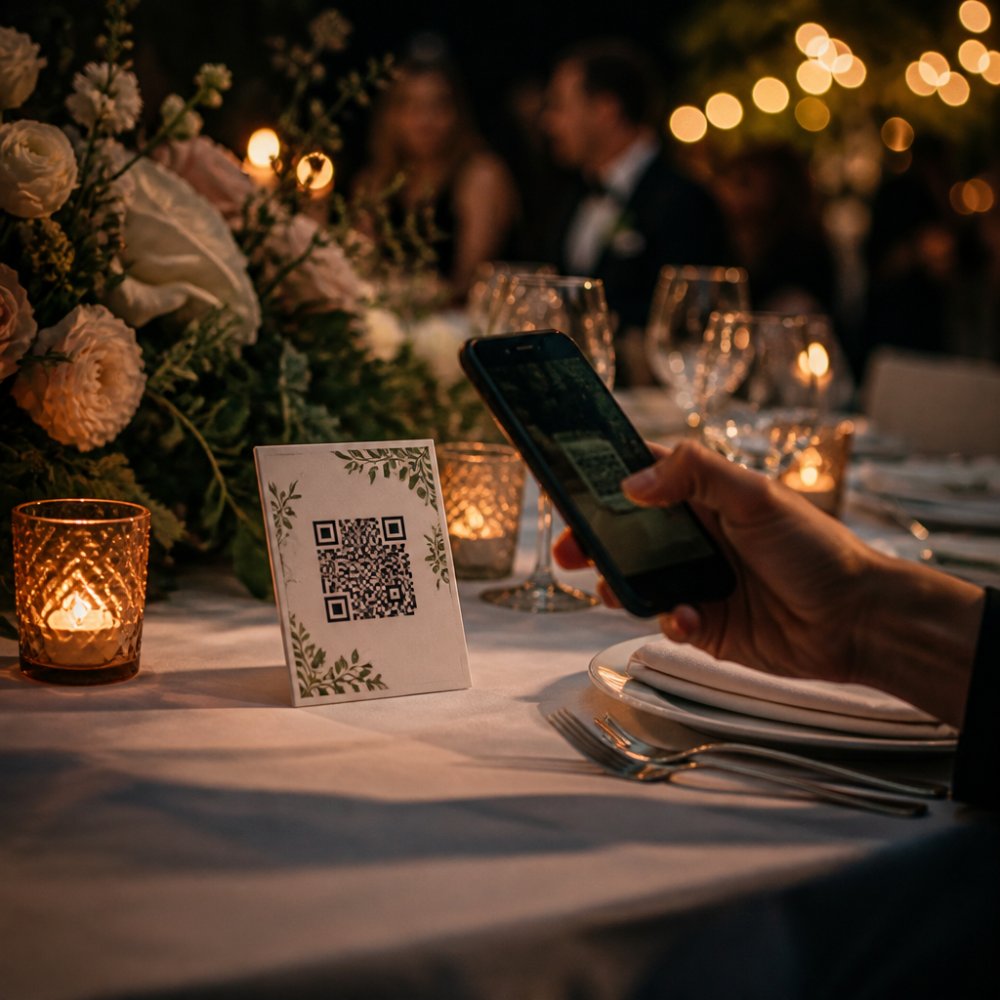
Here is our checklist for judging any QR-based platform, with the mechanism behind each item:
- Scanning opens a working upload page in the phone’s browser, with no app install prompt. Test on a phone that is not signed in as the host. A QR code that resolves to an app-store listing is a dead end for half your guests.
- The upload takes under a minute for a guest who has never seen the tool. Time it with someone who is not tech-comfortable. If it takes longer, the drop-off is on you.
- Photos land in a private gallery, not a public feed. Confirm the default visibility before you print anything. A public-by-default gallery is the most common QR mistake.
- You can moderate or approve uploads before they are visible. Per-item approval is stronger than per-guest; ask which one the platform uses.
- The QR link can be revoked or expired. A printed code is a bearer token, if it leaks, you need a way to kill it without reprinting every card.
- Guests can view and download photos afterward. Check whether downloads are originals or compressed previews.
- There is a clear answer on data retention and photo ownership. Get it in writing before the event, not after.
A common mistake is testing the QR code yourself, logged in as the host, and assuming it works for guests. Test it on a phone that is not signed in, ideally with someone who is not tech-comfortable. That is the real test.
Decision framework by event size and needs
QR-based tools are not one-size-fits-all. Use this rough framework to narrow the field before you compare features:
- Small gathering (under 30 guests), low privacy needs: a consumer shared album or a simple browser upload link is usually enough. Familiarity beats features here.
- Mid-size event (30-100 guests), private celebration: prioritize browser access, a private-by-default gallery, and per-item moderation. This is where a dedicated event platform earns its keep.
- Large wedding (100+ guests), mixed ages and devices: browser access is non-negotiable, and you want a revocable QR link, host approval, and a clear export path. Face search and audio guestbooks are nice-to-have extras, not the deciding factor.
- Events with video: check upload size limits and whether video is transcoded or stored as-is. A platform that compresses heavily is convenient but lossy.
- Events with compliance requirements: ask for retention periods, deletion workflows, and where files are stored before you commit.
Print the QR code on table cards, the bar, and the seating plan, not just the invitations. Guests scan when they are waiting, not when they are planning.
Event Photo Sharing Without App Download: Why Browser Access Matters
Event photo sharing without app download isn’t a minor convenience. It’s the single biggest predictor of whether guests actually contribute.
Think about the moment. A guest is at a reception, phone in one hand, drink in the other. Asking them to open an app store, search, download, install, create an account, and then find your event is a six-step process with five places to quit. A browser link is one step.
Older relatives, guests on locked-down work phones, and anyone with limited storage all hit the same wall. Browser-based access sidesteps it entirely. If you’re setting this up yourself, our walkthrough on creating a photo sharing link for events covers the practical steps.
The accessibility angle deserves more attention than it gets. A guest inclusion strategy that excludes the grandparents because they can’t install an app isn’t a strategy. It’s a filter.
How to Collect Photos From Wedding Guests Without Chasing Them
Learning how to collect photos from wedding guests comes down to removing every reason not to upload. Chasing people after the event rarely works; the photos stay on their phones and the moment passes.
What actually moves the needle:
- Put the QR code where guests are waiting. Table cards, the bar, the seating plan. Not just the invitations.
- Say it out loud once. A short announcement from the host or celebrant beats any printed instruction.
- Make it a one-tap process. Browser link, upload button, done. No account creation.
- Set expectations early. Tell guests the gallery is private and who can see it.
- Send one reminder, not five. A single follow-up message the day after catches the stragglers.
The mistake we see most: hosts treat upload as optional and then wonder why the album is thin. Make it part of the flow of the evening, and the photos arrive on their own.
Privacy, Access Controls and Data Handling Compared
Privacy is where the alternatives genuinely separate, and where most comparison articles go quiet. The keyword asks about secure sharing, so treat security as a set of concrete mechanisms rather than a checkbox. Below is how the models differ on the four things that actually matter: who can get in, what they can do once inside, how long files stay, and who can delete them.
Access: link exposure vs. identity checks
A browser upload link is convenient but it is also a bearer token, anyone who has the URL can typically reach the upload page. The security question is whether the platform adds a second layer: a per-event passcode, an email or phone verification step, an expiring link, or host approval before a guest is admitted. A QR code printed on a table card is just a link in visual form, so the same exposure logic applies: a photo of the card shared in a group chat is a working link until it expires or is revoked.
A dedicated event platform keeps access controls inside the event: you invite, you approve, you decide who views. A cloud-drive approach inherits Google’s permission model, which is powerful but not event-shaped, sharing a Drive folder is easy, but revoking one guest’s access without disturbing the rest takes care. A consumer shared album is the loosest of the three: everyone with access can typically add and view, and moderation is limited.
Uploads: open vs. moderated
Open upload means photos appear in the gallery as soon as a guest submits. Moderated upload means the host approves each item before it becomes visible to other guests. For a private celebration, moderated upload is the stronger default: it stops the stray screenshot, the accidental selfie, and the inappropriate photo before anyone else sees it. Ask any provider whether approval is per-item or per-guest, whether rejected items are deleted or merely hidden, and whether the host can remove an already-published photo.
Downloads and export
A gallery you cannot get out of is a gallery you do not control. Check whether guests can download originals or only compressed previews, whether the host can bulk-export the full collection, and what format and resolution the export preserves. If the platform only offers a web view with no export, your photos are effectively held hostage by the subscription.
Retention and deletion
Ask three questions of any provider and get the answers in writing: where the files are stored, how long they are retained after the event, and who owns them. Retention is the one most hosts forget. A platform that keeps the gallery live indefinitely is convenient until you want it gone; a platform that deletes after 30 or 90 days is tidy until a guest asks for a copy six months later. The right answer depends on your event, but the wrong answer is not knowing.
Under the GDPR, event photos of identifiable guests are personal data, and the host carries responsibilities for how they are collected and kept, including a lawful basis for processing and a retention period that is justified. For a deeper look at the storage side, our guide on whether cloud photo storage is safe covers what to check. If you are weighing compliance specifically, we also break down whether GDPR compliance is worth the extra cost for events.
Security is not a feature list. It is four concrete answers: who can get in, what they can do, how long files stay, and who can delete them. Ask every provider for those four in writing before you commit.
Start Collecting Guest Photos With Kameratalk for Free
The gap between a full album and a thin one is usually friction, not enthusiasm. Guests want to share. They just won’t jump through six steps to do it.
Frequently Asked Questions
Which event photo sharing apps let guests upload without downloading an app?
Browser-based options are the answer here. WedUploader works through a link that sends photos to Google Drive. Before you commit, test the guest upload flow on both an iPhone and an Android phone, and check whether the platform asks guests to create an account. A tool that needs no download and no sign-up will get far more uploads from older relatives and less tech-comfortable guests.
How do I control who can view or download event photos in a private event photo sharing app?
Look for access controls you can set before the event: a private gallery that is not publicly searchable, an upload link you can share only with invited guests, and separate permissions for viewing versus downloading. Kameratalk is built around private galleries and guest permissions, so you decide who sees what. Ask each provider directly whether the gallery can be password-protected, whether download can be switched off, and whether you can remove a guest’s access after the event. Get those answers in writing before you send the link out.
How long do event photo-sharing galleries keep photos, and can I download everything afterwards?
Retention windows differ widely and are rarely stated clearly on marketing pages, so ask before the event. Confirm three things: how long the gallery stays online after the event date, whether you can export all photos and videos in one go, and who owns the files once uploaded. Kameratalk lets you download and export your media, which matters if you want the photos a year later for an anniversary. Set a reminder to export everything within the stated retention period rather than assuming the gallery will still be there.
What should I look for in a secure wedding photo sharing app?
Start with data handling: where the photos are stored, whether the provider processes data under GDPR, and whether your images are used for anything beyond hosting your gallery. Then check access controls (private gallery, guest permissions, download settings), moderation options for removing unwanted uploads, and how you export everything at the end. Finally, test the guest experience yourself: scan the QR code, upload a photo from a phone, and see how long it takes to appear. A tool that is secure but confusing will collect fewer photos than a simple one your guests actually use.